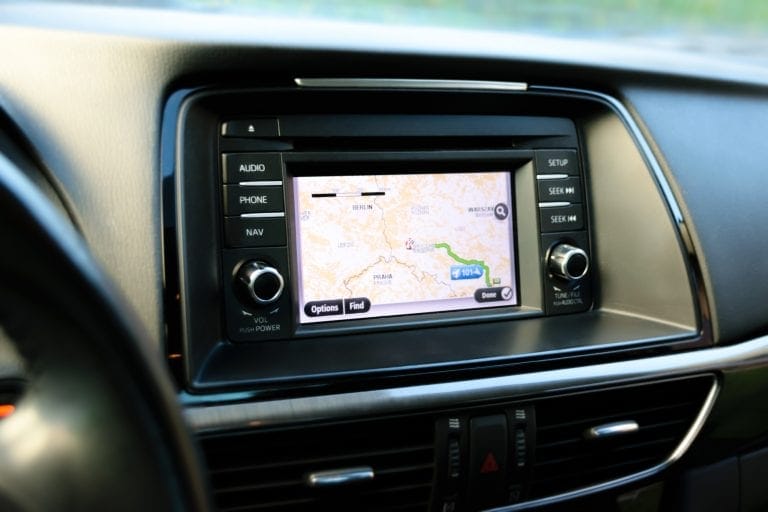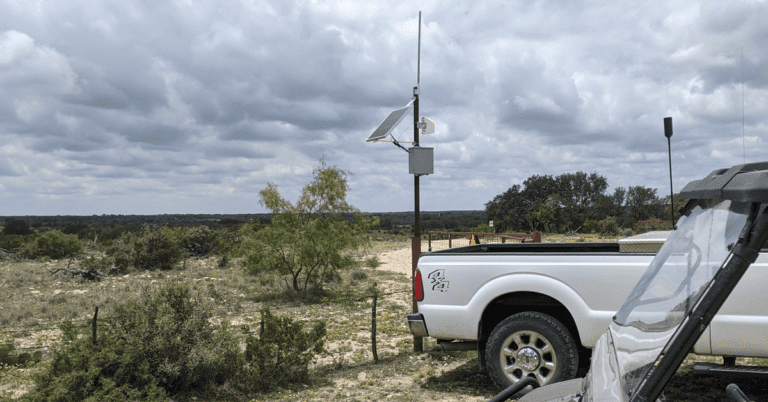
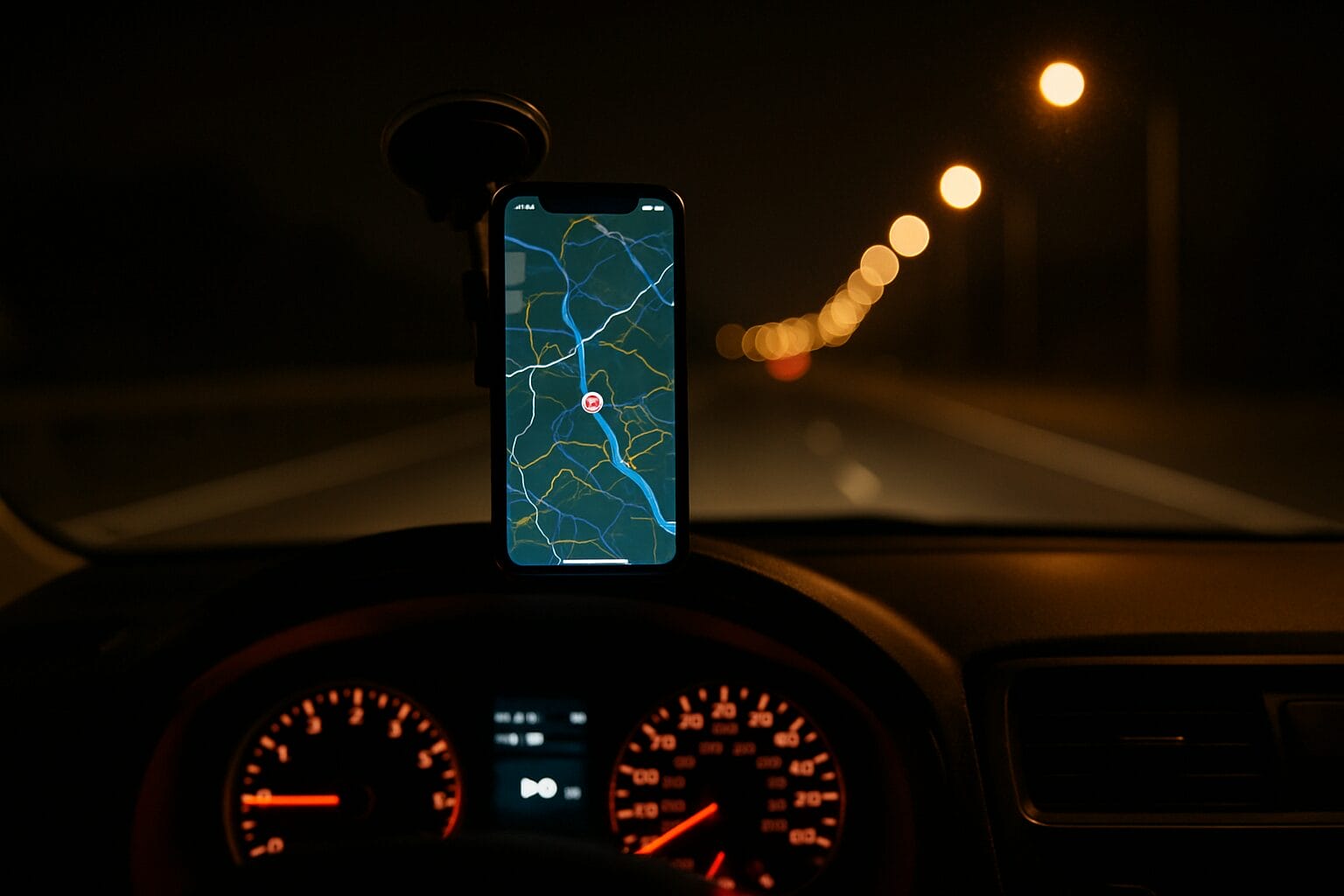
Real-time GPS tracker for your car: how live location tracking actually works
Real-time GPS tracker for car: what actually matters before you buy
If you’re shopping for a real-time GPS tracker for your car, you’ll quickly notice that almost every product claims to offer “live” tracking. The reality is more complicated. Some devices update their location every few seconds. Others quietly refresh every few minutes and still call themselves real-time. And most product listings never mention what happens to your location data once it leaves the device.
This guide skips the padded product roundups and focuses on what genuinely separates a real live tracker from a cheaper unit that only looks like one. We’ll cover the three factors most shoppers overlook, walk through the hardware choices, and give you a practical way to decide what fits your situation, whether you’re watching over one family car or a handful of work vehicles.
What a real-time GPS tracker for a car actually does
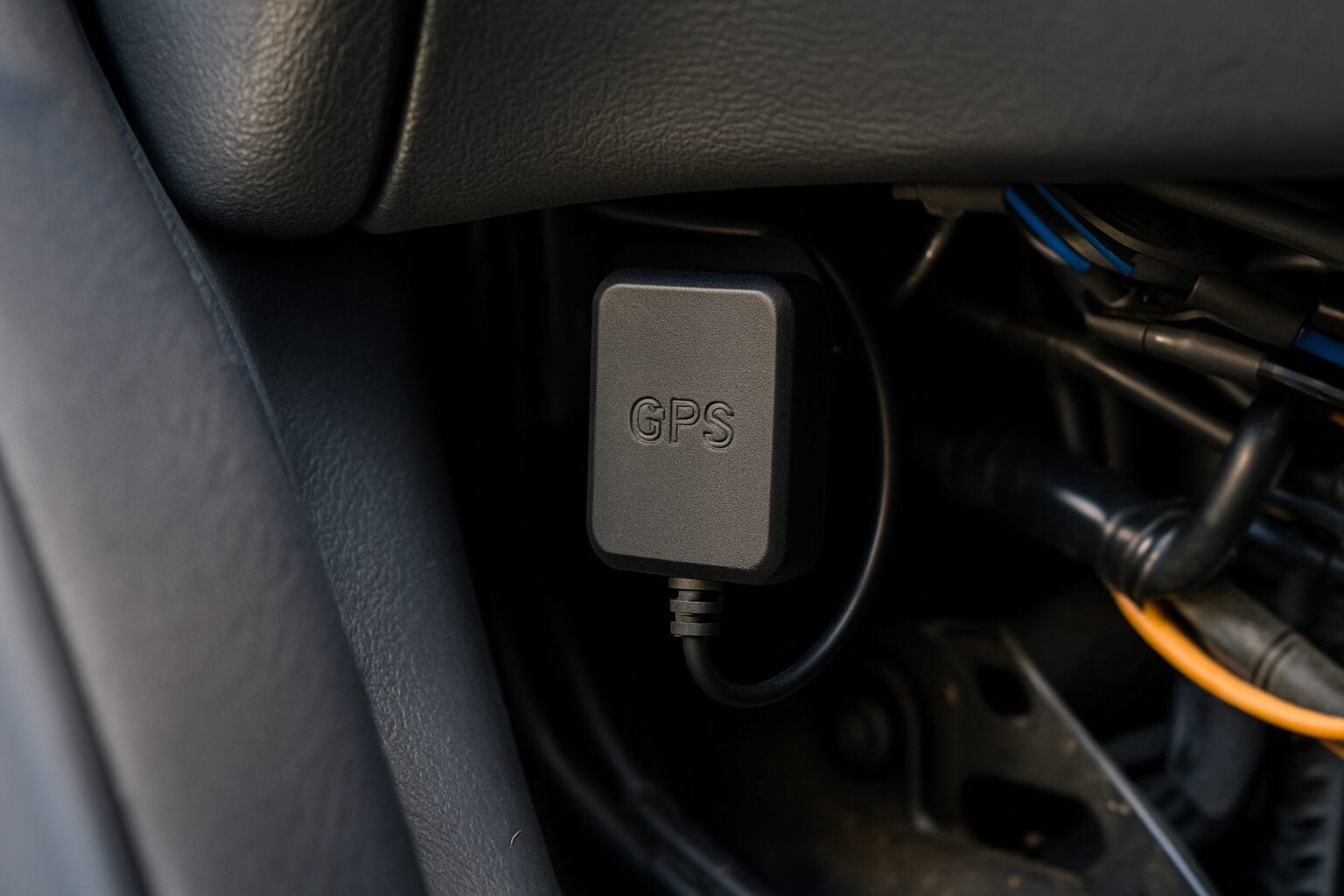
A real-time GPS tracker reports your vehicle’s location continuously as it moves. Open the app and you see the car’s current position on a map, updating on its own while the vehicle is in motion. That live view is what makes features like movement alerts and geofencing useful, because they react to where the car is right now rather than where it was an hour ago.
The key detail is update frequency, sometimes called the refresh or ping rate. A tracker that updates every few seconds shows smooth, accurate movement along a route. One that updates every few minutes shows the vehicle jumping between points, which is fine for a rough idea of location but not for following an active trip.
Here’s the part manufacturers rarely spell out: not every product labeled “real-time” updates frequently. Some devices technically stream data but at intervals slow enough that you’re always looking at a slightly outdated position. Before you buy, treat “real-time” as a claim to verify, not a guarantee.
Real-time vs. passive and periodic-ping GPS loggers
There are three broad categories of GPS tracking devices, and only one of them gives you a true live view.
Passive loggers record location data to internal memory. You physically retrieve the device and download the trip history later. There’s no live view at all. These are inexpensive and useful for reviewing where a vehicle went, but useless if you need to know where it is now.
Periodic-ping units send location updates on a delayed interval, often every few minutes or longer. They can look real-time at a glance, but they lag. If a car is stolen or a teen driver is heading somewhere they shouldn’t, a several-minute delay is a meaningful gap.
Real-time trackers stream the vehicle’s current position frequently enough to follow it live. This is what powers instant geofence alerts, speed notifications, and the ability to watch a trip unfold on a map.
For monitoring a moving vehicle, whether for theft protection, teen driving, or fleet oversight, a genuine real-time tracker is the only category that does the job well.
The three factors most shoppers overlook
Feature lists tend to focus on the same handful of specs. But three things determine whether you’ll actually be happy with your tracker a year from now: how often it truly updates, how long it keeps working before it needs attention, and whether your location data stays private. The next three sections break each one down.
True update frequency
For genuine live tracking, look for a device that updates every few seconds while the vehicle is moving, not every few minutes. That’s the difference between following a car in motion and watching a series of stale dots appear on a map.
Marketing language often hides slow refresh intervals. Phrases like “real-time capable” or “live updates” can describe an interval you’d find frustrating in practice. The specs sheet may bury the actual refresh rate, or leave it out entirely.
Update rate also has trade-offs. A faster refresh means more accurate tracking but uses more cellular data and, on battery-powered units, drains the battery faster. Good trackers manage this intelligently, updating frequently while moving and slowing down when the vehicle is parked.
When you contact a manufacturer, ask directly: How often does the device report location while driving? Does the interval change when the car is stationary? Can I adjust it? Clear answers are a good sign.
Battery life over the device’s lifetime
Advertised battery life and real-world longevity are not the same thing. A spec measured under ideal conditions doesn’t account for cold weather, frequent updates, or years of use. It’s worth asking what battery life looks like over the full lifetime of the device, not just out of the box.
Long battery life matters more than people expect. Every recharge or battery swap is a chance to miss location data, and a dead tracker protects nothing. A device you can install and forget removes an entire category of maintenance.
This is where LoneStar Tracking stands out. Our battery-powered trackers are built for battery life of up to 10 years, so you’re not pulling the device out to charge it or worrying about it dying at the wrong moment. For a tracker meant to sit hidden in a vehicle, that longevity is a real advantage.
If your vehicle is always available for wiring, a hardwired unit removes battery concerns entirely by drawing power from the car itself. More on that below.
Data privacy and encryption
Your vehicle’s location history is sensitive. It reveals where you live, work, drop off your kids, and spend your time. That information deserves protection, yet it’s the factor buyers think about least and manufacturers advertise least.
Most tracking companies don’t encrypt the location data their devices collect. That means your movements could be readable in transit or accessible to more people than you’d expect. It’s a similar problem to how ordinary phones leak location, which we cover in our guide on how your phone quietly shares GPS data with your carrier.
LoneStar Tracking encrypts all of your data because we believe your location is yours alone. We’re the only company that encrypts every customer’s tracking data end to end.
Before buying any tracker, ask: Is the location data encrypted? Who can access my location history? Is my data ever sold or shared with third parties? If a company can’t answer clearly, treat that as a warning.
Hardwired vs. battery-powered vs. OBD-II plug-in
The way a tracker gets power shapes how you install it and where you can hide it.
Hardwired trackers connect directly to the vehicle’s electrical system. They’re permanent, easy to conceal, and never need charging. This is the strongest option for theft protection and for small fleets, since drivers can’t easily find or unplug them. Installation usually takes a bit more effort or a quick professional fit.
Battery-powered trackers run on their own internal battery, so you can place them almost anywhere with no wiring. They’re portable, easy to move between vehicles, and simple to install. With long-life batteries like ours, the usual downside of recharging largely disappears. Great for a single car owner or a parent who wants flexible, hidden placement.
OBD-II plug-in trackers plug into the diagnostic port under the dashboard. They install in seconds with no tools, draw power from the port, and are just as easy to remove. The trade-off is that they’re visible to anyone who looks, so they’re less ideal for theft protection but perfect for quick setup and monitoring a teen driver’s vehicle.
Match the type to your scenario: a hardwired or long-life battery unit for theft protection and fleets, a battery or OBD-II unit for a family car, and an OBD-II unit when you want the simplest possible setup.
Features that matter when choosing a tracker
Beyond power and update rate, a few features separate a capable tracker from a frustrating one.
- Cellular coverage and network reliability. A tracker only reports where it has a signal. Look for broad, reliable network coverage across the areas your vehicle travels.
- Geofencing and boundary alerts. Set a virtual boundary and get notified when the vehicle enters or leaves it. Useful for knowing when a teen arrives home or a work truck leaves a job site.
- Speed and movement alerts. Get pinged if the vehicle exceeds a set speed or moves when it shouldn’t, which is often your first sign of theft.
- Historical route playback. Review past trips to see where a vehicle has been, not just where it is now.
- Mobile app quality and multi-device management. A clean app that lets you manage several vehicles from one screen matters a lot once you have more than one tracker.
Costs to expect: hardware, subscription, and cellular data
Budget for two things: the upfront device cost and ongoing service. Real-time trackers transmit data over cellular networks, so most require a data plan to keep that live connection alive. That’s the trade for continuous updates, something passive loggers avoid but at the cost of any live view.
When comparing options, look at total cost of ownership over several years rather than the sticker price alone. A cheap device with high monthly fees and a short lifespan can cost more over time than a durable, long-battery-life unit. If you’d rather avoid recurring fees, the same principles apply to other tracking devices, as we explain in our guide to subscription-free GPS trackers.
Is it legal to put a GPS tracker on a car?
In general, it’s legal to place a GPS tracker on a vehicle you own. That covers the family car, your own vehicle, and vehicles registered to your business.
Tracking family members gets more nuanced. Monitoring a minor child’s car that you own is typically fine, and many parents use trackers for teen driver safety. Tracking another adult’s personal vehicle without their knowledge can raise legal issues.
For employer and fleet vehicles, businesses commonly track vehicles they own, and being transparent with drivers is both good practice and, in many places, legally expected. Consent basics matter here.
This is general guidance, not legal advice. Laws vary by state and country, so check the rules that apply where you live and operate before installing a tracker.
How to install and start using a real-time car tracker
Setup depends on the power type. An OBD-II unit simply plugs into the diagnostic port under the dash and powers on. A battery-powered tracker can be placed in a concealed spot, no wiring needed. A hardwired unit connects to the vehicle’s power, which some owners prefer to have installed professionally.
Next, activate your service and pair the device with the mobile app by following the included instructions. Once connected, confirm the tracker is reporting by checking the live location while the car is parked, then take a short drive to watch the position update in real time.
Finally, set up your first geofence and any speed or movement alerts so the tracker starts working for you right away.
Choosing the right LoneStar Tracking device for your vehicle
Start with your use case:
- Single car owner: A battery-powered tracker with long battery life gives you hidden placement and years of hands-off tracking, ideal for theft protection.
- Parent of a teen driver: An OBD-II or battery unit paired with geofencing and speed alerts keeps you informed without constant checking.
- Small fleet or business: Hardwired trackers offer concealment and continuous power, plus multi-vehicle management from one app.
Match the power type to how the vehicle is used. If you can’t access wiring or want flexibility, choose battery. If concealment and permanence matter most, choose hardwired.
Across every option, the reasons to choose LoneStar Tracking stay the same: the most reliable devices on the market, battery life of up to 10 years, and fully encrypted data that keeps your location private. If you also track other assets, the same reliability applies to our heavy equipment trackers and cattle tracking systems.
Compare our devices on the LoneStar Tracking site and pick the one that fits your vehicle and how you use it.
How often does a real-time car GPS tracker update its location?
A genuine real-time tracker updates every few seconds while the vehicle is moving, giving you smooth, accurate live tracking. Many devices update every few minutes and still call themselves real-time, so always confirm the refresh rate before buying.
How long does the battery last on a real-time car tracker?
It varies widely by device and how often it updates. Advertised figures rarely reflect years of real-world use. LoneStar Tracking battery-powered devices are built for battery life of up to 10 years, which removes most of the recharging and maintenance headaches. Hardwired units draw power from the vehicle, so battery life isn’t a concern.
Is my location data private and encrypted?
With most trackers, no. Many companies don’t encrypt tracking data, which leaves your movements exposed. LoneStar Tracking encrypts all of your data end to end, and we’re the only company to do so for every customer. Always ask a manufacturer who can access your location history before you buy.
Are there monthly subscription or cellular fees?
Real-time trackers transmit over cellular networks, so most require a data plan to maintain the live connection. When comparing devices, weigh both the upfront hardware cost and ongoing fees to understand the total cost of ownership over several years.
Is it legal to track a car I own or a family member’s vehicle?
Generally, yes, you can track a vehicle you own, including a family car or a minor child’s car. Tracking another adult’s personal vehicle without consent can raise legal issues, and fleet tracking typically calls for driver transparency. This is general guidance, not legal advice, so check the laws in your area.