
GPS tracking for your teen’s first car: what to monitor without crossing the privacy line
GPS tracker for teen drivers: a parent’s guide to safety, trust, and privacy
Handing your teenager the car keys is one of the biggest steps toward their independence—and one of the most nerve-racking. A GPS tracker for a teen driver gives you a way to stay connected to their safety without hovering over every trip. But the best trackers do far more than drop a dot on a map. Used thoughtfully, they become coaching tools that help new drivers build better habits while giving you genuine peace of mind. This guide covers how these devices work, which features matter, how to have the tracking conversation without damaging trust, how your family’s location data stays private, and what to look for when you buy.
Why parents turn to GPS tracking for new teen drivers
The first two years behind the wheel are the riskiest of a driver’s life. Inexperience, distraction, speeding, and driving with friends all raise the odds of a crash during this window. Parents feel that risk every time their teen pulls out of the driveway, and a GPS tracker is one practical way to close the gap between worry and information.
It helps to reframe what a tracker is for. This isn’t about catching your teen doing something wrong—it’s about safety coaching and shared accountability. A tracker gives you real data about how the car is actually being driven, which turns vague worries (“Are they driving too fast?”) into specific, teachable moments you can talk through together.
The goal is balance. Your teen is earning independence, and a tracker used with respect supports that growth rather than smothering it. Done right, tracking is a temporary set of training wheels, not permanent surveillance. In the sections below we’ll walk through the features that actually improve safety, how to talk to your teen about tracking, why privacy and hardware reliability matter, and how to choose a device without overpaying.
What a GPS tracker for a teen driver is and how it works
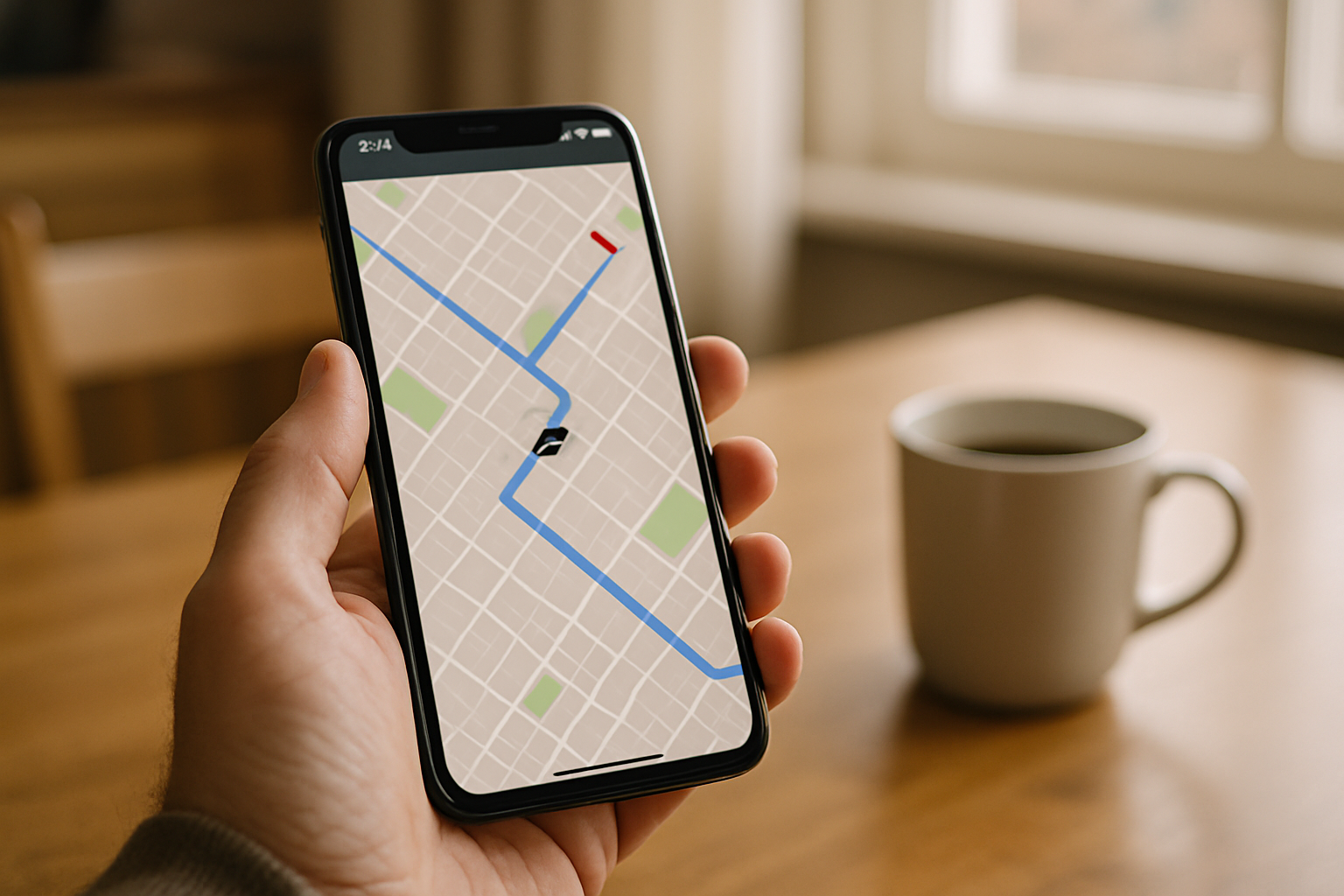
A GPS tracker is a small device that determines its location using satellite positioning, then reports that location over a cellular network to an app or web dashboard you can check from your phone. In plain terms: the device figures out where the car is, then sends that information to you.
The difference between a basic and a genuinely useful tracker comes down to what it reports. A simple unit shows location dots—where the car is right now, or where it has been. A better one adds behavior-based insights: how fast the car was going, whether there was hard braking, and when trips started and stopped. Those insights are what make a tracker a coaching tool instead of just a locator.
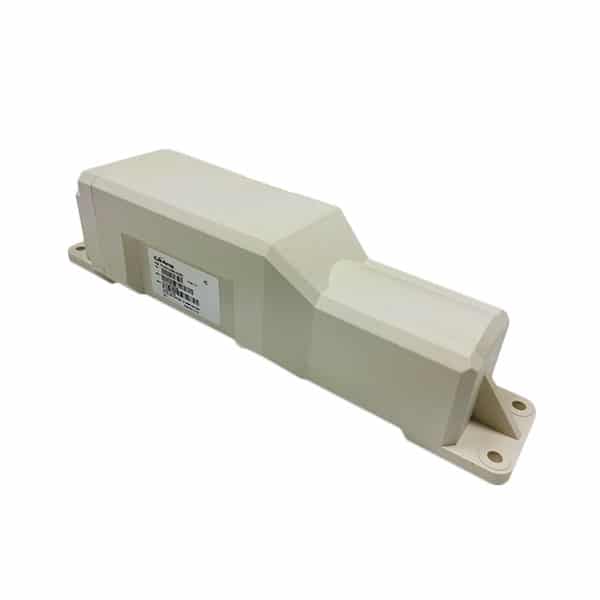
The device itself can live inside the cabin, be mounted magnetically underneath the vehicle, or plug into the car’s OBD-II diagnostic port. Depending on the model and your settings, data reaches you either in real time as the car moves or in periodic updates at set intervals. If you want to see live movement as it happens, look for a device built for real-time car tracking rather than one that only logs trips for later review.
Features that actually improve teen driver safety
Not every feature on a spec sheet matters. The ones worth paying for are those that help you coach safer driving—not just spy on your kid. Here’s how to think about each.
Real-time location and trip history
Real-time location answers the everyday question every parent asks: did they get there safely? Instead of texting “you there yet?” (and hoping they don’t reply while driving), you can quietly confirm a safe arrival on your own.
Trip history is where the coaching happens. After a drive, you and your teen can review the route together—not to interrogate, but to talk through decisions. Did an unfamiliar road cause trouble? Was a shortcut actually a busy highway they weren’t ready for? Reviewing trips calmly, together, builds judgment over time.
Speed alerts and hard-braking detection
Speed alerts notify you when the car exceeds a threshold you set. Hard-braking and rapid-acceleration detection flag the aggressive or panicked driving patterns that often precede crashes. Together, these paint a picture of how smoothly and safely your teen actually drives.
The key is how you use them. An alert should start a conversation, not trigger a punishment. “I noticed a couple of hard-braking events on Main Street—what’s going on there?” opens a discussion about following distance. Used as a “gotcha,” the same alert just teaches your teen to resent the device.
Geofencing and zone alerts
Geofencing lets you draw virtual boundaries around specific places—home, school, a job, a friend’s house—and get a notification when the car enters or leaves. You can also flag areas you’ve agreed are off-limits.
For families, geofencing is most useful for the boundaries you’ve already discussed. If curfew means home by 11, a home-zone alert confirms the car made it back without a late-night phone call. If your teen isn’t supposed to be driving on the interstate yet, a zone alert helps you both stick to that agreement. The emphasis is on agreed boundaries, not secret ones.
Should you tell your teen they’re being tracked?
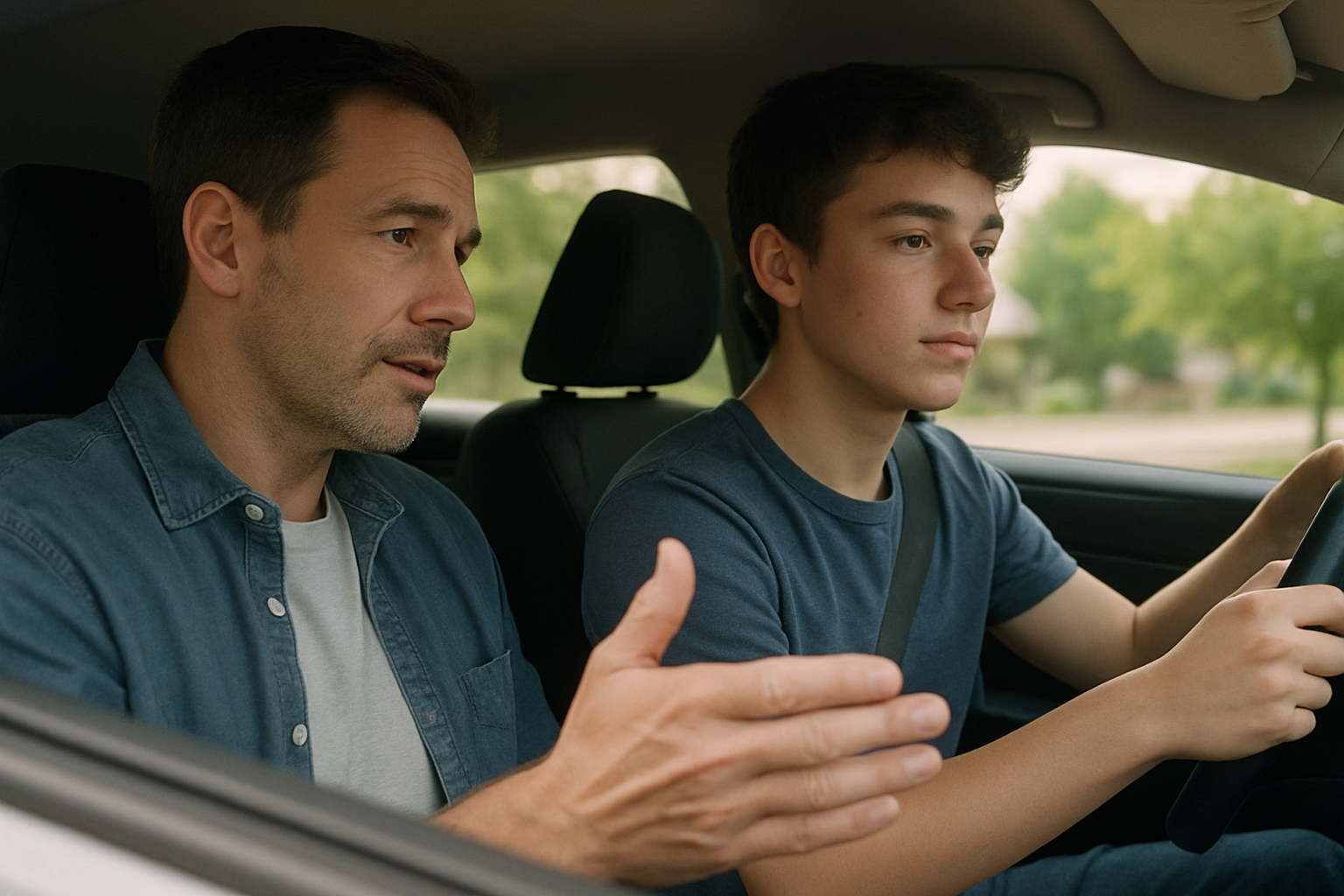
In almost every case, yes. If the goal is trust, secret tracking undermines it before you start. Discovering a hidden device usually feels like a betrayal to a teenager, and it teaches exactly the wrong lesson about honesty in a relationship.
Transparency works better because it changes what the tracker means. Frame the conversation around safety and earning independence: “This helps me feel comfortable giving you more freedom, and as you show me you’re driving safely, we can loosen up.” That positions the device as a stepping stone toward more privileges, not a leash.
Put it in writing with a simple driving agreement. Spell out expectations—speed, curfew, passengers, phone use—and what the tracker is for. When everyone knows the rules and the reason for them, the device stops feeling like spying and starts feeling like a shared plan.
Openness also improves the data itself. A teen who knows the car reports speed tends to drive more carefully, which is the entire point. And because there’s no secret to uncover, there’s far less resentment. You get safer driving and a stronger relationship, instead of trading one for the other.
Dedicated GPS tracker vs. phone apps and built-in car telematics
There are three common ways to track a teen driver, and they aren’t equal.
Phone apps are cheap and easy, but they depend on your teen carrying a charged phone with the app running and permissions enabled. Any of those can fail—a dead battery, a force-closed app, a revoked permission—and your data disappears with it. A phone also tracks the person, not the car, so it can’t tell you whether they were driving or riding as a passenger.
Built-in car telematics work well on vehicles that have them, but coverage varies enormously by make, model, and year. Many teens drive older, hand-me-down cars that never shipped with connected services, which leaves this option off the table for a lot of families.
A dedicated GPS tracker travels with the car and reports consistently, independent of anyone’s phone. It’s tied to the vehicle, so it measures how that car is actually being driven. It also gives you more control over where your data goes and how it’s protected—something you can’t guarantee with a third-party app or automaker platform. For accountability that doesn’t hinge on a teenager remembering to charge their phone, a dedicated device is the most reliable choice.
Why battery life and hardware reliability matter
A tracker that dies, goes offline, or needs constant charging leaves you with blind spots—and blind spots defeat the entire purpose. Reliability is the foundation everything else rests on, because insights are only as good as the data behind them.
This is where hardware really separates the options. There are three broad approaches, and each involves tradeoffs we cover in depth in our guide to hardwired versus battery-powered trackers:
- OBD-II plug-ins are easy to install but sit in a visible port, are simple to unplug, and only work on cars with an accessible port.
- Hardwired trackers never need charging but require professional installation and are harder to move between vehicles.
- Battery-powered trackers offer the most flexibility and can be placed almost anywhere, but battery life becomes the deciding factor.
That’s why long battery life matters so much. LoneStar’s battery-powered devices are built to run for years—up to 10 years on a single battery—which means fewer maintenance gaps and no routine charging to remember. A tracker you rarely have to think about is one that’s actually working when you need the data.
How your family’s location data is protected
A record of everywhere your teenager drives is deeply sensitive information. It reveals your home, their school, their job, their friends’ houses, and your family’s daily patterns. That data deserves real protection—yet many trackers and apps treat it casually, storing it loosely or sharing it with third parties.
Encryption is what keeps that information private. When location data is encrypted end to end, it’s scrambled in transit and storage so that only authorized people can read it, even if it’s intercepted. Without encryption, your family’s movements could be exposed. It’s worth understanding how location data can quietly be shared even without a dedicated tracker—phones already leak more than most people realize.
Before you buy, ask any provider hard questions: Where is my data stored? Is it encrypted? Do you sell or share it with advertisers or data brokers? Who inside the company can access it? The answers tell you a lot about whether a company treats your privacy as a priority. LoneStar is the only company to encrypt all of your data, precisely because family location information should never be a product someone else profits from.
Installing or placing a tracker in your teen’s car
Installation depends on the type of device. Interior placement works well for discreet battery-powered units—under a seat or in the glovebox. Magnetic cases let you mount a tracker to the metal underside of the vehicle. OBD-II models simply plug into the diagnostic port, usually under the dashboard.
How visible you make it should match your trust agreement. If you and your teen have talked openly about tracking, there’s no reason to hide the device—out in the open reinforces that this isn’t a secret. Discreet placement makes more sense for theft protection than for family coaching.
Whatever you choose, test it before you rely on it. Confirm the device is reporting location, check that alerts arrive on your phone, and take a short drive to verify the data looks right. For families with renters, shared, or leased vehicles, a no-wiring battery-powered or plug-in option avoids modifying the car at all and moves easily to a different vehicle later.
How to choose a tracker and what it costs to own
Run any option through a simple checklist: long battery life, encrypted data, the safety alerts you actually want (speed, hard braking, geofencing), reliable network coverage where you live and drive, and a well-designed app you’ll actually check.
Understand the full cost of ownership. Most cellular trackers involve two parts: the price of the device and a monthly or annual subscription that pays for the cellular data and dashboard. A cheap device with a bad app or spotty reporting isn’t a bargain if it leaves you with blind spots.
Match features to your family’s real needs so you don’t overpay for capabilities you’ll never use. A new driver in a suburban area has different needs than one commuting long distances. And weigh long-term value: a reliable device with a decade of battery life and encrypted data usually costs less over time than replacing a cheap tracker that fails or exposes your information.
Is it legal to put a GPS tracker on your teen’s car?
As general guidance, parents tracking a minor child’s vehicle they own are on solid legal ground in most places. Ownership of the vehicle is the key factor—when the car is registered to you and driven by your minor child, you generally have the right to know where it is.
That said, laws vary by state and country, and situations get more complicated with a teen who is 18 or older or who owns the car themselves. This article isn’t legal advice, so check your local rules if you have any doubt.
There’s a practical safeguard that covers both the legal and the relationship side: transparency. When you’ve told your teen about the tracker and agreed on how it’s used, you sidestep most legal gray areas and build trust at the same time. Openness is almost always the right call.
Frequently asked questions
Is it legal to put a GPS tracker on a car my teen drives?
In most places, yes—especially when you own the vehicle and your teen is a minor. Vehicle ownership is the main factor. Laws vary by location and the picture changes if your teen is 18 or older or owns the car, so check your local rules. Being open about the tracker is the safest approach legally and personally.
Should I tell my teenager I’m tracking their car?
Yes, in nearly every case. Secret tracking undermines the trust you’re trying to build, and being discovered usually feels like a betrayal. Framing the tracker as a safety tool that helps your teen earn more independence—backed by a written driving agreement—produces safer driving and a stronger relationship.
How is a dedicated GPS tracker better than a phone app?
A dedicated tracker travels with the car and reports consistently, without depending on your teen carrying a charged phone or keeping an app running. It measures how the vehicle is actually being driven and gives you more control over how your data is stored and protected.
How long does the battery last on a teen driver GPS tracker?
It depends entirely on the device. Many battery-powered trackers need frequent recharging, which creates blind spots. LoneStar’s battery-powered devices are built to run for years—up to 10 years on a single battery—so you’re not constantly maintaining the tracker or missing data.
How much does a GPS tracker for a teen driver cost to own?
Budget for two things: the device itself and a subscription that covers cellular data and the dashboard. Focus on total cost of ownership rather than the sticker price alone—a reliable device with long battery life and encrypted data often costs less over time than a cheap unit you have to replace or babysit.
Is my family’s location data kept private and encrypted?
It should be, but not every provider protects it. Ask where your data is stored, whether it’s encrypted, and whether the company shares or sells it. LoneStar encrypts all user data because a record of everywhere your family drives is sensitive information that should never be exposed or sold.